--:-- --
Automatically sort every file in your Drive into the right folder.
What It Does
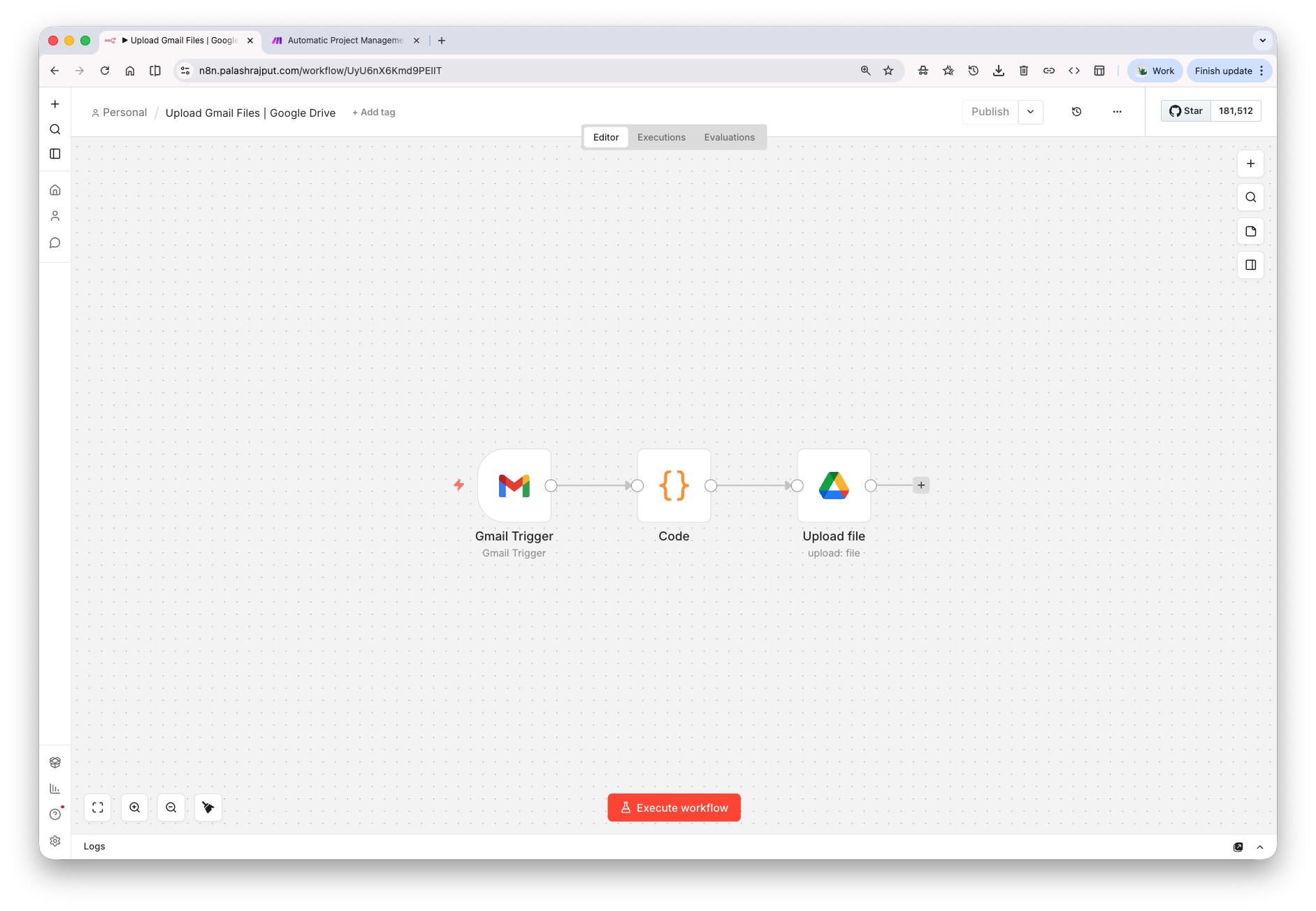
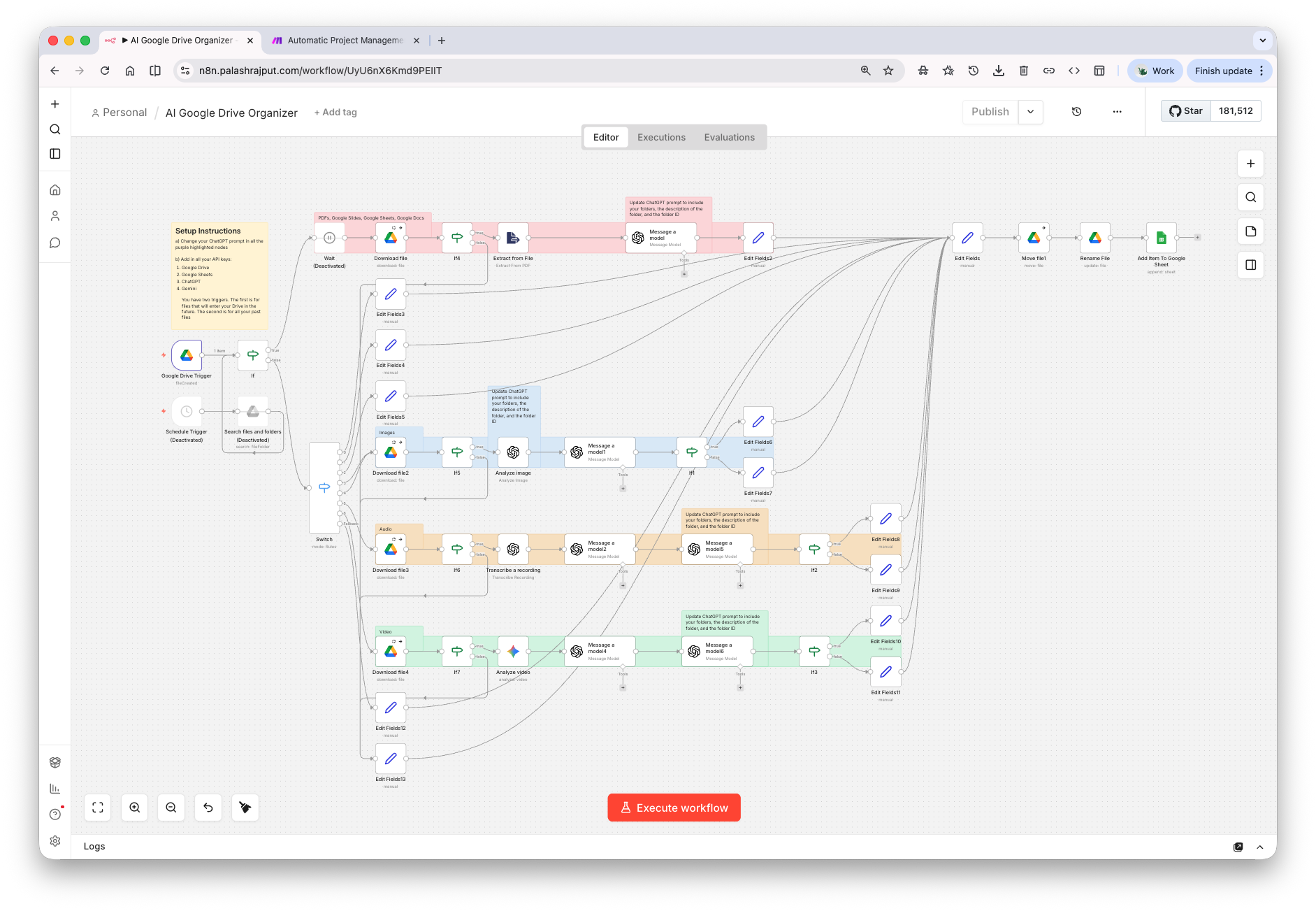
When a new file lands in Google Drive, this automation downloads it, converts it to text (or uses AI vision for images, transcription for audio, and Gemini for video), and passes the content to OpenAI to determine which folder it belongs in. The file is then renamed with a clean convention and moved to the correct folder automatically. Every action is logged to a Google Sheet so you can audit and correct anything.
The Problem It Solves
Disorganized Google Drive accounts waste hours of searching and create chaos across teams. Manually sorting files after every project, call, or email is tedious and never consistent — things end up buried or miscategorized and stay that way indefinitely.
Before & After
Before
After
Tools Used
 n8n
n8n
 Google Drive
 Google Sheets
 OpenAI
 Gmail
Gmail
WORK WITH ME
Want this built for your business?
Book a free strategy call — I'll map out exactly how this would work for your workflow. No pitch, no pressure.
📞 Book a Free Strategy Call ↗